Lending equipment to staff without losing track of it
A simple check-out and check-in process for laptops, cameras, tools and vehicles, with due dates, condition notes, a sample policy and clear accountability.
Projectors, cameras, test devices, power tools and pool cars spend their lives moving between people. Without a process, the answer to "who has the drone?" is usually a group chat and a guess.
A lending process does not need to be heavy. It needs a record of who took what, when it is due back and what condition it was in, plus a few rules everyone follows. This guide gives you the steps, a sample policy you can adapt and the reports that tell you whether it is working.
What a good equipment lending process needs
A working lending process answers four questions at any moment: what is out, who has it, when it is due back and what state it left in. If your current method cannot answer all four in under a minute, items will go missing.
The building blocks are simple:
- A unique label on every item, so you lend "camera
CAM-0012", not "one of the cameras". Our QR tagging guide covers this. - A named person as the holder, not a department.
- A due date on every loan, even long ones.
- A condition note at check-out and at check-in.
- One place where loans are recorded, rather than a mix of notebooks, chats and spreadsheets.
Loans vs permanent custody
Not every handover is a short loan. A laptop issued to a new employee is long-term custody; a projector borrowed for a client meeting is a short loan. Record both the same way, with a holder and a date, but set realistic due dates: a review date for custody items, a return date for loans.
How to check equipment out
Check-out takes under a minute: scan the item, assign the person, set the due date and note the condition. Skipping any step is how disputes start later.
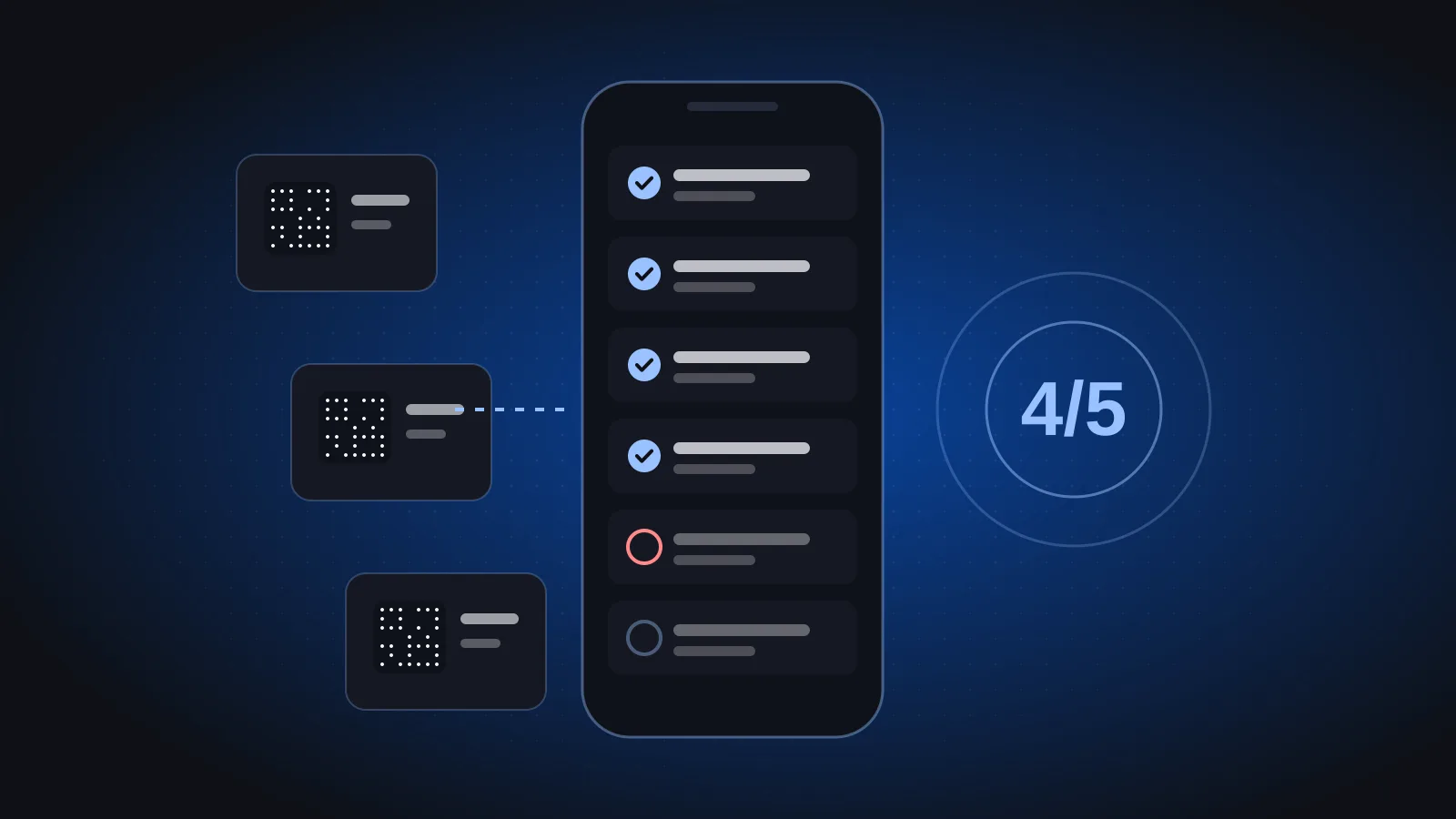
- Scan the item's QR label. This identifies the exact unit and lets you see whether it is already out with someone else.
- Assign the holder. The person who will be responsible, not their manager or team.
- Set a due date. "Indefinite" is how items disappear.
- Note the condition. A short note or photo of existing scratches, missing accessories or faults.
- List the accessories. Chargers, cases, lenses and cables are the parts that most often fail to come back.
- Confirm with the borrower that they have received the item as described.
While the item is out: tracking and follow-up
While items are out, review open and overdue loans regularly and follow up early. Most overdue items are simply forgotten, not lost, and a friendly reminder recovers them.
Whatever tool you use, someone should be able to see at any moment:
- everything currently on loan,
- who holds each item,
- which loans are overdue, and by how long.
Sending reminders shortly before the due date is good practice, whether by message, email or a quick call. Agree an escalation path for loans that stay overdue. For example:
| Days overdue | Action | Who |
|---|---|---|
| Due date | Reminder to the holder | Asset coordinator |
| A few days | Second reminder, copy the holder's manager | Asset coordinator |
| One week or more | Item is needed back or loan is formally extended | Manager |
| Still not returned | Treated as a missing item and investigated | Asset owner and finance |
Adjust the timings to your business; the point is that everyone knows what happens and when.
How to check equipment back in
Check-in mirrors check-out: scan the item, compare its condition and accessories with the check-out note, then close the loan. Do it when the item is handed back, not later in the day.
- Scan the label to open the active loan.
- Compare the condition with the note or photo from check-out.
- Count the accessories.
- Close the loan, which makes the item available again.
- Route problems immediately. If something is damaged, open a maintenance record straight away so the next person does not receive a broken item.
If the item is damaged, record what happened factually. The goal is to fix the item and learn from patterns, not to punish honest accidents.
A sample equipment lending policy
A one-page policy, shared with every employee, prevents most lending arguments. Adapt this template to your company and have it approved by management and HR.
Equipment lending policy (sample)
- Scope. This policy covers all company equipment that can be lent or assigned, including IT devices, cameras, tools and vehicles.
- No scan, no loan. Equipment may only leave its location after it has been checked out in the asset system.
- Personal responsibility. The named holder is responsible for the item and its accessories until it is checked back in.
- Due dates. Every loan has a due date. Extensions must be requested before the due date.
- Condition. Holders report damage or faults as soon as they happen. Accidental damage reported promptly is handled as a repair.
- No passing on. Items may not be handed to another person without a new check-out.
- Overdue items. Overdue loans are followed up as described in the escalation table.
- Leaving the company. All items on loan or in custody are returned and checked in before the final working day.
Rules that make the policy work
- No scan, no loan. If it was not checked out, it was not lent.
- Loans are personal. The holder stays responsible until check-in.
- Overdue means action. Decide who follows up and after how many days.
- Leavers return everything. Add the open-loans list to every exit checklist, alongside final settlement steps.
Special cases: vehicles, kits and departing employees
Vehicles, multi-part kits and leavers need a little more detail than a standard loan. Plan for them once and the rest of the process stays simple.
- Pool vehicles: record the condition and any visible damage at each check-out and check-in, and keep maintenance logged against the vehicle so you can see its full history.
- Kits (for example a camera body, lenses, batteries and a bag): either tag each valuable component separately, or tag the kit and list its contents on the loan so missing parts are spotted at check-in.
- Departing employees: before the last working day, pull the list of everything the person holds and check each item in. It is much harder to recover equipment after someone has left.
- Transfers between sites: treat them as a check-out to the person carrying the item, then update its location when it arrives.
Lending reports worth reading
Once lending is recorded, the data tells you what to buy, what to sell and where training is needed. Review it monthly or quarterly.
| Pattern | What it may mean | Possible action |
|---|---|---|
| An item is almost always out | Demand exceeds supply | Consider a second unit |
| An item is never borrowed | It is not needed | Redeploy or sell it |
| The same item keeps coming back damaged | Handling or training issue, or it is worn out | Train users, repair or replace |
| One person often has overdue loans | Workload or habit | Talk to them and their manager |
| Many loans end with missing accessories | Accessories are not recorded | List accessories on every loan |
Cost data helps too. When you can see purchase and running costs by item, location and team, decisions about buying or retiring equipment become easier to justify.
Lending equipment with UsoolSaver
UsoolSaver lets you check items out to a person with a return date and check them back in, so you always know what is out, with whom and when it is due back. One scan of the QR label opens the item's record, including its current holder and location.
When an item comes back damaged, you can schedule maintenance and log the repair against the item. Running costs are visible by item, location and team, and each company gets its own workspace. Combined with QR tagging and phone audits, every item keeps a full history from purchase to disposal. If you need a tailored workflow beyond this, see our custom software services.
Frequently asked questions
What is the difference between check-out and check-in?
Check-out is the moment an item is handed to a person: it records the holder, the due date and the condition. Check-in is the moment it comes back: the condition is compared, the loan is closed and the item becomes available again.
Should long-term assignments like employee laptops have a due date?
Yes, but use a review date rather than a short return date. A yearly review, or a review when the person changes role, confirms the item is still with them and still needed. Without any date, custody records drift out of date.
How do I stop employees passing equipment to each other informally?
Make "no passing on" an explicit rule and make the proper handover easy: the current holder checks the item in and the new person checks it out, which takes a minute with a QR scan. Responsibility stays with the last recorded holder until that happens.
What should happen when a borrowed item is lost?
Treat it like a missing item in an audit: check with the holder, search likely locations and review recent loans. If it is still not found, follow your written policy for reporting and approval, and record the outcome against the item.
You can find more practical guides on the Phoonix blog. To see check-out and check-in on your own equipment list, book a 30-minute UsoolSaver demo.