Audits from a phone
Scan as you walk. The list ticks itself off.
 Phoonix
UsoolSaver tracks equipment, vehicles, devices, and furniture: who holds each item, where it sits, and what it costs to keep.
Add each item with its category, cost, supplier, and warranty.
Print a label for each item. One scan opens its full record.
See who holds each item and where it is, at any time.
Check items out with a return date, and check them back in.
Walk the site with a phone and scan. Missing items flag themselves.
Schedule service and log each repair against the item.
See what each item, location, and team costs to run.
Workspaces are the company accounts. Each one holds its own items, people, and locations.
Scan as you walk. The list ticks itself off.
Know what is out, with whom, and when it comes back.
Purchase and running costs by item, location, and team.
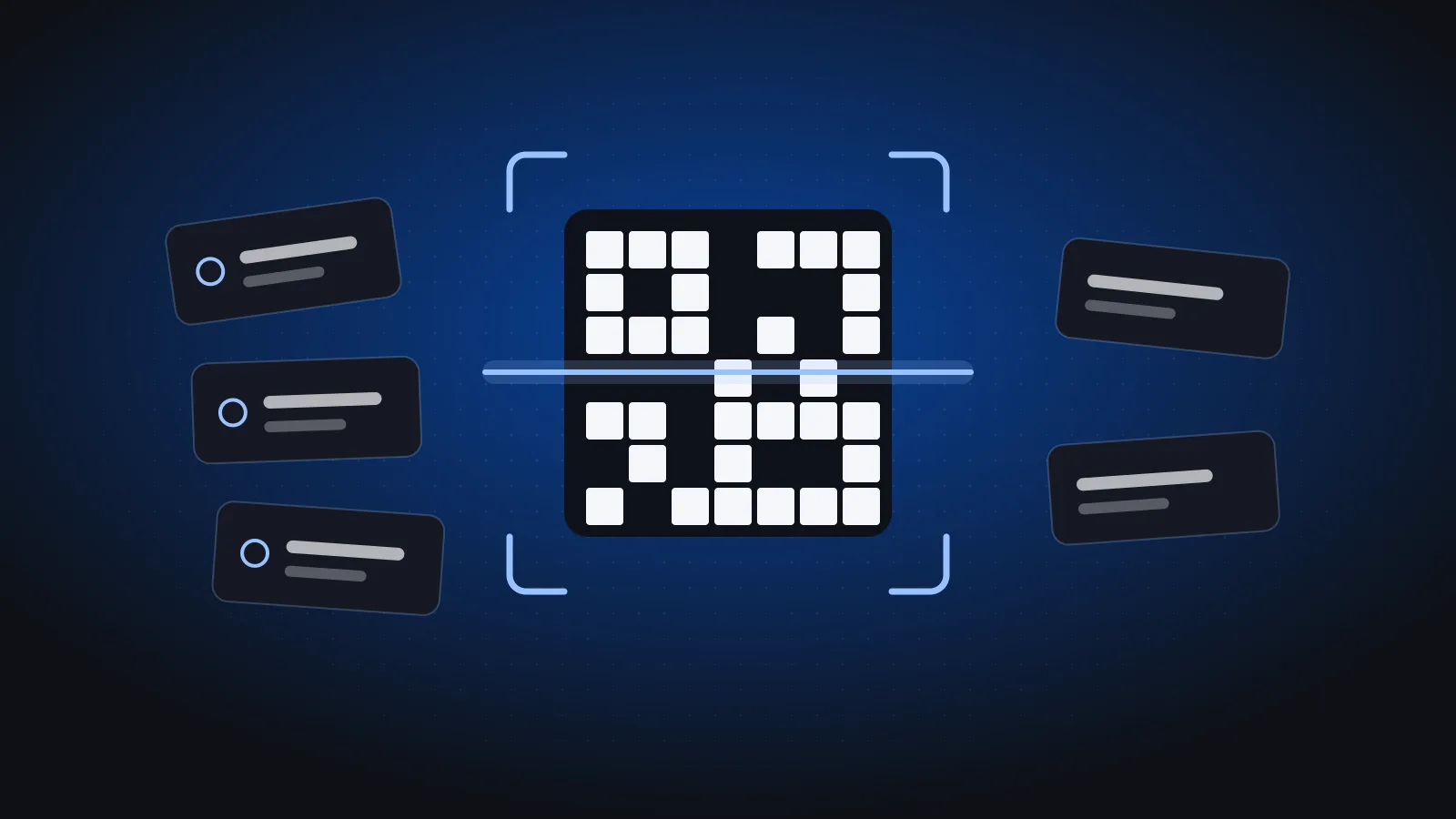 UsoolSaver
Which assets to tag, what to print on the label, which material to use, where to stick it and how to roll out QR tagging across sites.
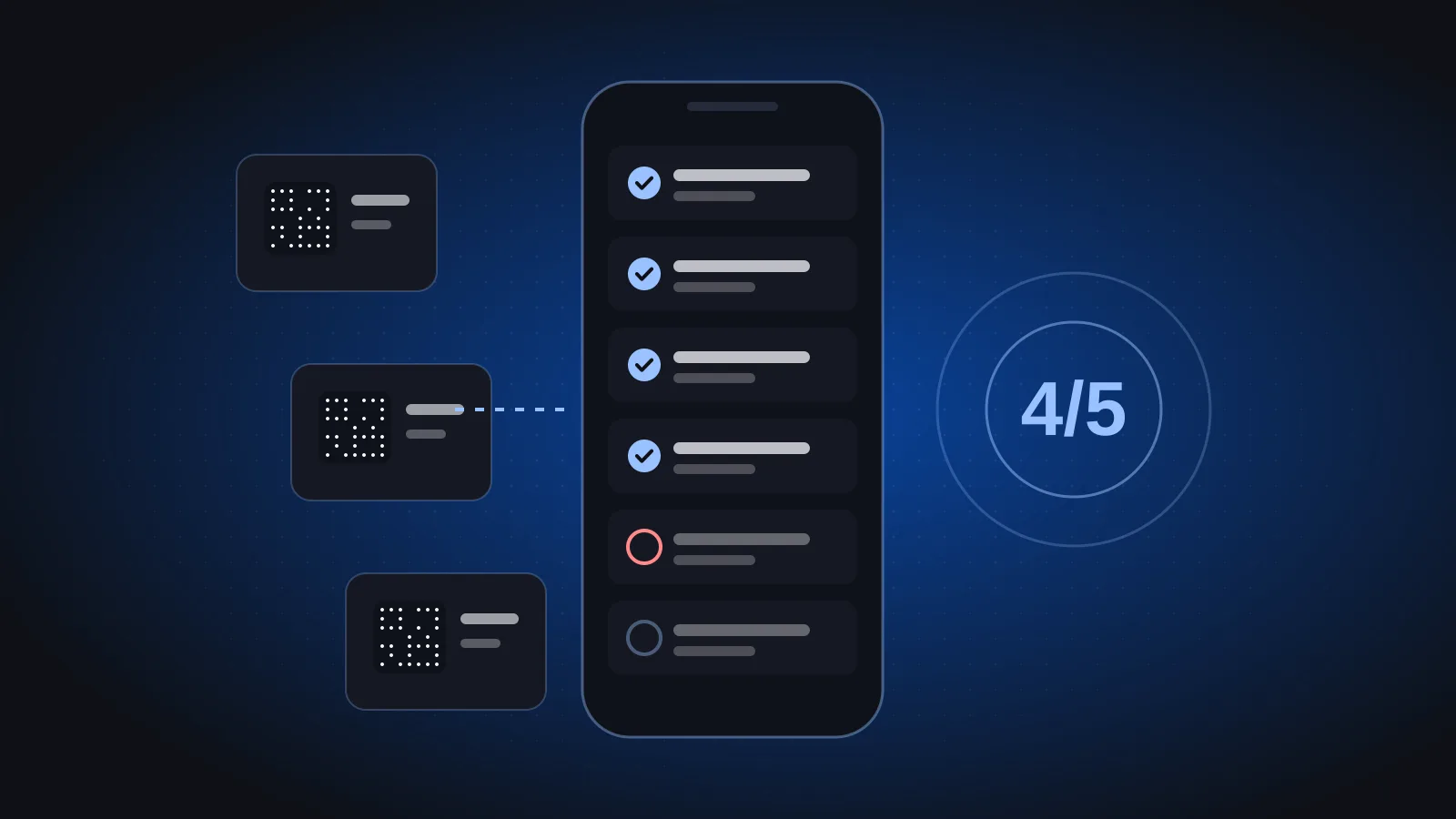 UsoolSaver
A step-by-step guide to a scan-as-you-walk asset audit: planning, audit-day checklist, handling discrepancies and closing the count with finance.
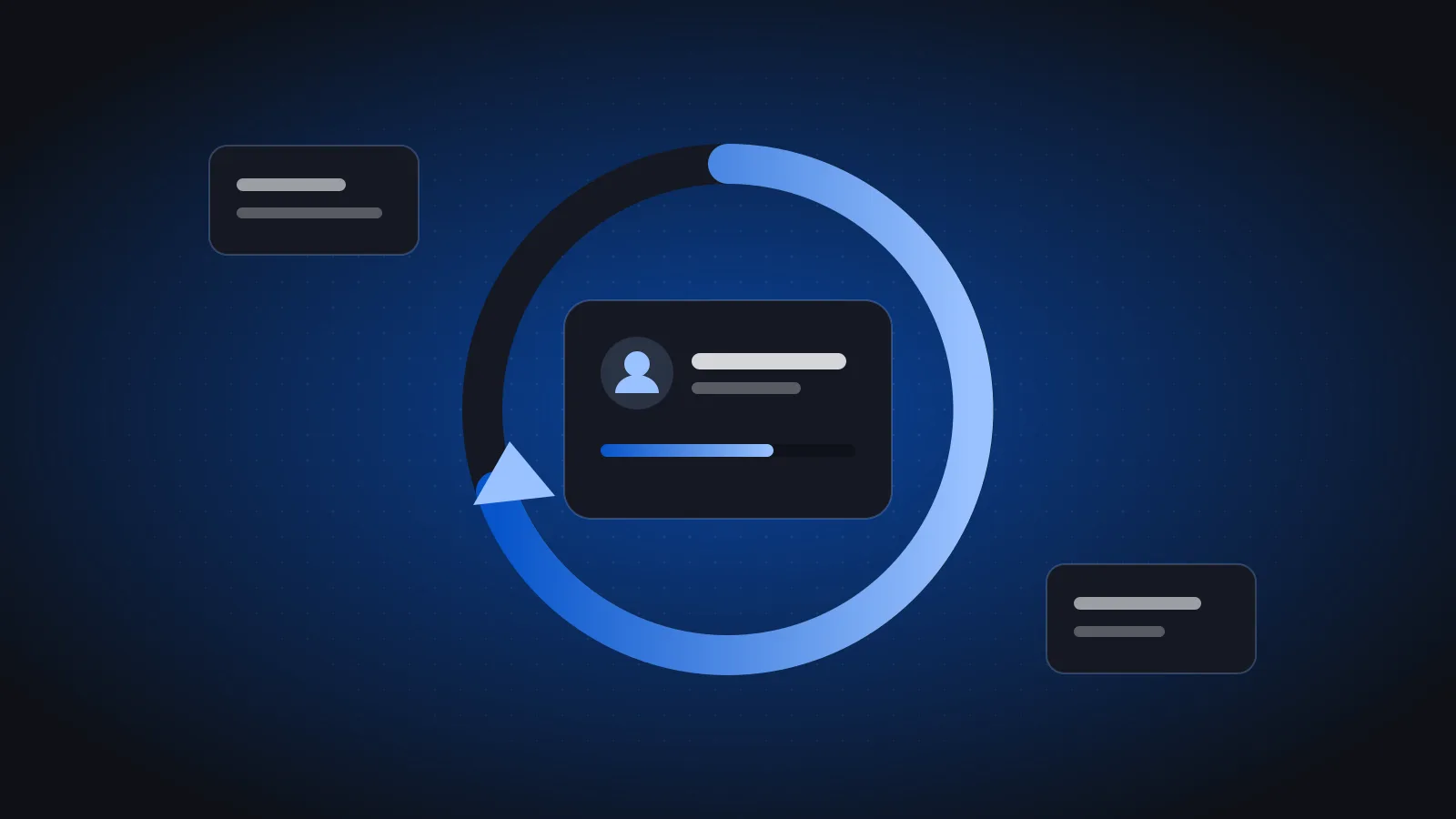 UsoolSaver
A simple check-out and check-in process for laptops, cameras, tools and vehicles, with due dates, condition notes, a sample policy and clear accountability.
Any physical asset a company owns: equipment, vehicles, devices such as laptops and printers, and furniture. Each item has a record with its category, cost, supplier, warranty, holder and location.
UsoolSaver prints a QR label for each item, one at a time or in bulk. Scanning the label with a phone opens the item’s full record.
Walk the site with a phone and scan items as you go. The audit list ticks itself off, and items that were not found are flagged as discrepancies.
Yes. Check items out to a person with a return date, see what is out and with whom, and check them back in when they return.
Yes. Each company gets its own workspace with its own items, people and locations.
A 30-minute walkthrough of UsoolSaver using your own item list.