Custom software or off-the-shelf? A decision guide for growing companies
When to buy, when to build, and when to do both. A practical framework with a decision matrix, total cost, risks and questions for a software partner.
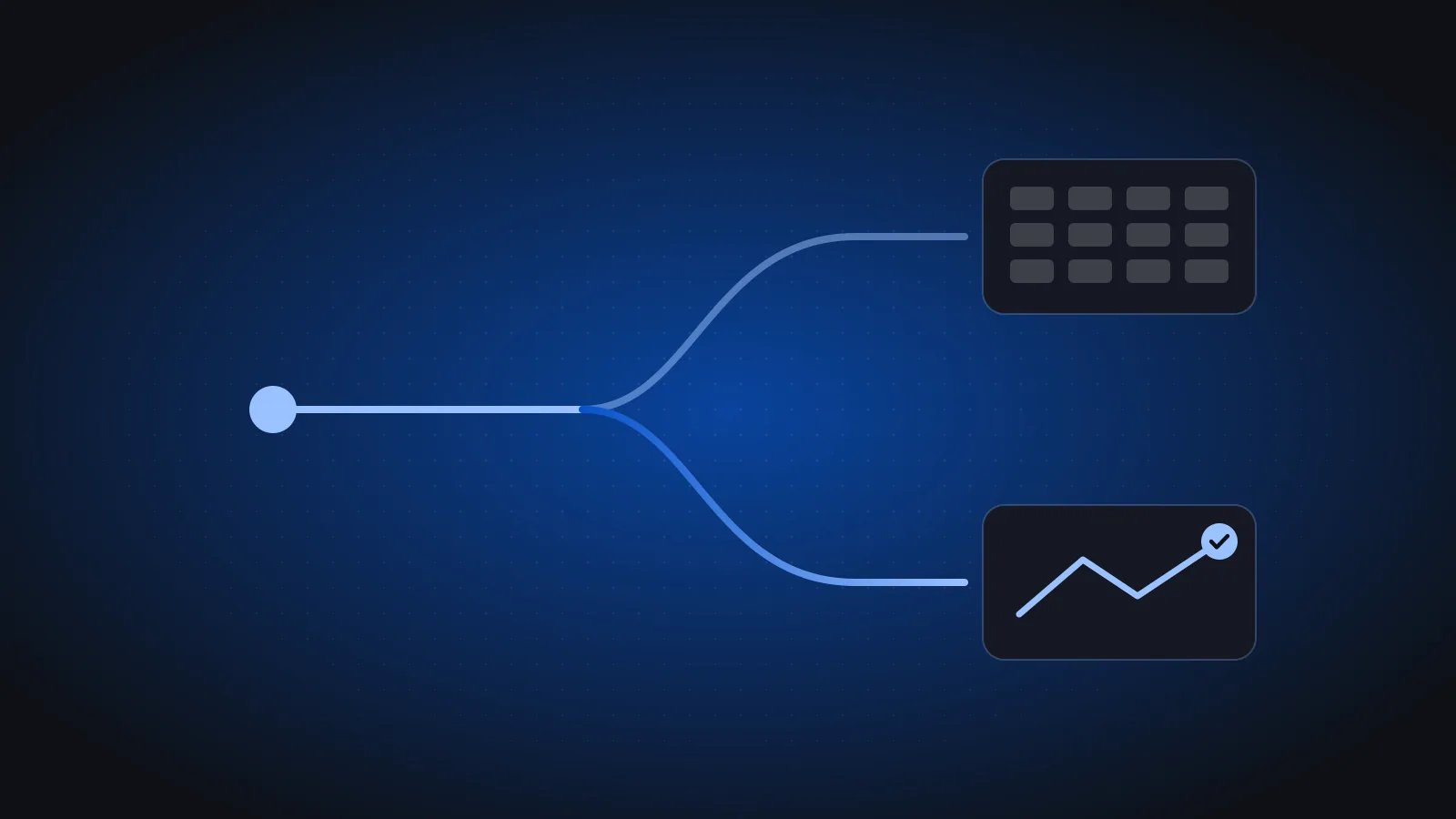
Every growing company eventually hits a process its software does not support. Sales are tracked in one tool, stock in another, and someone spends Thursday afternoons copying numbers between them. The question is whether to adapt the process to a product, buy a different product, or build something of your own.
The short answer: buy software for processes that are standard, build software for processes that make you different, and connect the two. This guide explains how to tell which is which, how to compare costs fairly, and what to ask before you sign with anyone, including us.
The short answer: buy the standard, build the edge
Most companies do not face a pure "build or buy" choice. They face dozens of small decisions, one per process. A useful way to sort them:
- Standard processes (accounting, payroll, inventory, asset tracking, tax) work much the same across companies. Buy a good product.
- Differentiating processes (how you price, sell, serve customers or run a unique operation) are where your advantage lives. Consider building.
- Glue (integrations, portals, mobile apps on top of your core system) is often custom, even when the core is bought.
When to buy off-the-shelf
Buy when the process is common and the rules change from outside your company. Accounting, payroll, inventory and asset tracking work the same way across most companies, and they change with regulation such as VAT, e-invoicing and labour law. A good product absorbs those changes for you. Building your own general ledger is rarely a competitive advantage.
Buy off-the-shelf when:
- the process is common across your industry,
- compliance rules change often,
- you need it working in weeks, not months,
- you would rather pay a subscription than maintain code.
What to check before you buy
- Arabic and English. If staff work in Arabic, the product must too, properly. See what Arabic-first software means.
- Local compliance. In Saudi Arabia, invoicing software must support ZATCA e-invoicing, including Phase 2 integration.
- Fit to your structure. If you run several companies, check whether one login covers them all. Our guide to running multiple companies on one ERP explains what to look for.
- Flexibility without code. Custom labels, fields and reports often close the gap that would otherwise justify a custom build.
- An API. You will want to connect it to other tools later.
For a fuller checklist, read choosing a cloud ERP in Saudi Arabia and Egypt.
When to build custom software
Build when the process is what makes you different: how you price, how you serve customers, or a workflow no product supports. If you bend that process to fit a generic tool, you lose the thing customers choose you for.
Build when:
- the workflow is unique to your business,
- you need to own the customer experience end to end,
- off-the-shelf tools force costly workarounds,
- the software itself is part of what you sell.
Examples from our work
- Mahsouly is a crop trading platform in Sudan with real-time market prices and customizable incoterms. The trading workflow itself is the product.
- Wtheq is a Saudi platform for contract management and e-signatures, where managing and signing contracts is the whole service.
Often the answer is both
The most common pattern is a product at the core with custom pieces around it: an ERP for finance and stock, plus a customer portal, a field app or an integration built for you. This keeps the standard parts standard and invests only where it matters.
Typical hybrid projects:
- An ERP such as Azha ERP for accounting, inventory and e-invoicing.
- A customer or supplier portal that reads from and writes to the ERP.
- An iOS and Android app for field teams, such as delivery, sales visits or inspections.
- AI features on top of clean data, such as reading documents or forecasting.
- Integrations and data migrations that connect old systems to the new core.
A decision matrix you can use
Score each process you are unsure about. If most answers fall in the "Points to building" column, building is worth a serious look.
| Question | Points to buying | Points to building |
|---|---|---|
| Is the process the same in most companies? | Yes | No, it is how we compete |
| Do outside rules (tax, labour) change it often? | Yes | Rarely |
| Can a product handle it with settings or labels? | Yes | Only with heavy workarounds |
| Do customers see and judge this process directly? | No | Yes |
| How soon must it work? | Within weeks | We can invest a few months |
| Who should own the roadmap? | The vendor is fine | We need control |
Compare total cost, not the quote
A subscription quote and a development quote are not comparable on their own. Compare what each option costs to own over several years, including people's time.
| Off-the-shelf | Custom | |
|---|---|---|
| Upfront | Low (subscription, setup) | Higher (design and build) |
| Time to value | Weeks | Months |
| Fit | Good for standard processes | Exact |
| Ongoing | Subscription, vendor roadmap | Hosting, support, improvements |
| Ownership | Vendor's product | Your code and data |
Costs people forget
- Workarounds. Hours spent on spreadsheets that bridge a poor fit are a real, recurring cost.
- Data migration. Moving and cleaning existing customers, items and balances takes effort either way.
- Training and change. Any new system needs time from your staff.
- Hosting and security for custom software, and subscription growth as you add users or companies for bought software.
- Exit cost. How hard is it to get your data out if you switch?
Risks on both sides and how to reduce them
| Risk | Off-the-shelf | Custom | How to reduce it |
|---|---|---|---|
| Poor fit | Common | Lower | Run a trial with real data |
| Delays | Lower | Higher | Weekly demos of working software |
| Vendor dependence | Higher | Depends on the partner | Clear ownership of code and data |
| Scope creep | Lower | Higher | Start small, launch, then extend |
| Abandonment | Product discontinued | Team leaves after launch | Ask who supports it after go-live |
Questions to ask a software partner
- Who will scope, design, build and support the project? The same team?
- How often will we see working software? (We demo weekly.)
- Will we test a clickable prototype with real users before building?
- What happens after launch, and what does support cost?
- Who owns the code and the data?
- Can you show similar work in Arabic and for this market?
Our own process follows these answers: discover, design with clickable prototypes tested with users, build with weekly demos, then launch and support with the same team. More detail is on our services page and in our portfolio.
Frequently asked questions
Is custom software always more expensive than off-the-shelf?
Upfront, usually yes, because you pay for design and development. Over several years the comparison depends on subscription costs, workarounds, and how much the process matters to your business. Compare total cost of ownership, not the first quote.
Can I start with off-the-shelf and build later?
Yes, and it is often the safest path. Start with a product for standard processes, learn where it falls short, then build only the pieces that matter. Choose a product with an API so custom parts can connect to it later.
How long does a custom software project take?
It depends on scope, so be wary of anyone who answers without asking questions. Off-the-shelf tools typically deliver value in weeks and custom projects in months. Starting with a small first release shortens the wait for something usable.
Who should own the code of custom software?
Agree on this in writing before work starts. Many companies want ownership of their code and data so they are not locked to one supplier. Ask every partner directly.
Not sure which path fits? A free 30-minute call with an engineer is usually enough to tell. You leave with a rough plan, a timeline and a price range. Schedule a call, or read more about our services.