How to choose a cloud ERP in Saudi Arabia or Egypt
Questions to ask before you sign: real Arabic support, ZATCA and Egyptian e-invoicing, multi-company, modules, data, support and total cost.
Choosing an ERP is one of the few software decisions that touches every department. Get it right and month-end becomes a routine task. Get it wrong and you will be exporting to spreadsheets for years.
This guide is for owners, finance managers and operations leads in Saudi Arabia, the Gulf and Egypt who are comparing cloud ERP systems. It covers the questions we suggest every company asks before signing, grouped into six areas, followed by a scoring sheet you can use with any vendor:
- Is the Arabic real?
- Does it handle your tax and e-invoicing rules?
- Does it fit your structure of companies, branches and users?
- Which modules do you need, and do they share one ledger?
- Who holds your data, and who supports you?
- What does it really cost over time?
1. Is the Arabic real?
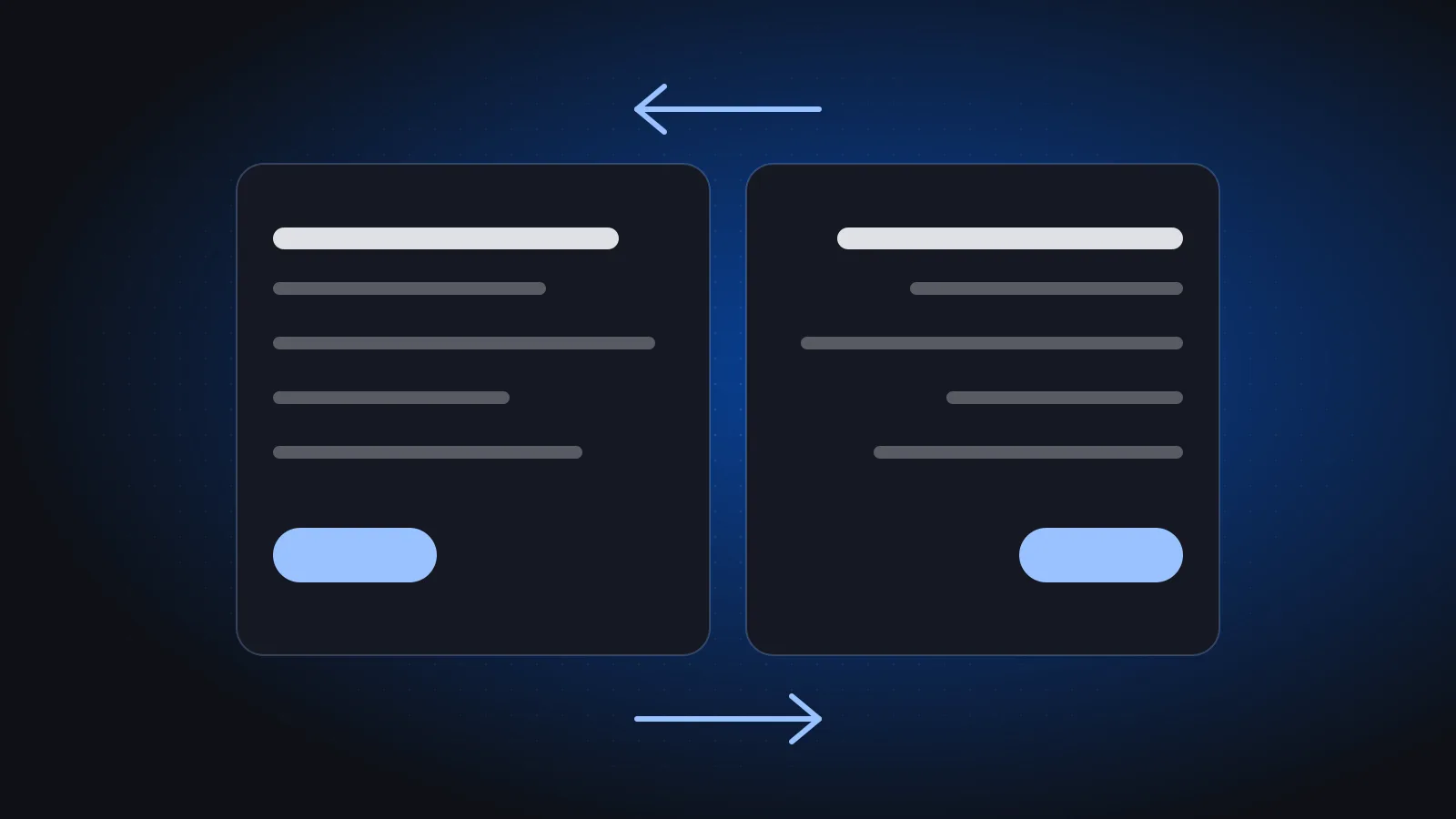
Real Arabic support means the whole system works right to left, not just translated menus. Many systems translate their labels and stop there. In a demo, check that:
- the whole interface works right to left, including tables, forms, filters and reports,
- printed invoices, statements and payslips look correct in Arabic, with numbers and dates aligned properly,
- you can search and sort by Arabic names, and mixed Arabic and English text displays cleanly,
- users can switch between Arabic and English without losing data or layout.
Ask for a live demo in Arabic, not a screenshot. If your teams work in both languages, have one person from each team try the same task. We explain why this matters in our article on Arabic-first software design.
2. Does it handle your tax and e-invoicing rules?
Compliance should be built into the ERP, not a paid add-on promised for later.
Saudi Arabia: ZATCA e-invoicing
In Saudi Arabia, VAT-registered businesses must issue electronic invoices (Phase 1), and ZATCA brings businesses into Phase 2 integration with its Fatoora platform in waves. In Phase 2, standard tax invoices are cleared by ZATCA before reaching the buyer and simplified invoices are reported within 24 hours. Ask the vendor:
- Does the system support Phase 2 integration, including clearance and reporting?
- How are invoice-generating units onboarded, and who does it?
- What happens to invoices when the connection fails?
Our ZATCA Phase 2 guide explains each of these in detail.
Egypt: e-invoice and e-receipt
In Egypt, the Egyptian Tax Authority runs its own e-invoice and e-receipt systems. Ask how the ERP supports the obligations that apply to your business today, and how it will handle changes the authority introduces later.
VAT reporting
Whichever country you are in, check that the VAT return report comes straight from posted transactions, so you are not rebuilding it in a spreadsheet each period.
3. Does it fit your structure?
The ERP should model how your business is actually organised: companies, branches and the people who work across them.
- Several companies. If you own, or plan to own, more than one company, check that each company's books, stock, payroll and VAT number stay separate under one login. We explain why in running several companies from one ERP.
- Branches. Each branch should have its own cashiers, warehouses and sales figures while posting into its company's books.
- Permissions. You should be able to set what each user can see and do, per company, for example sales without salaries, or drafting entries without posting them.
A system that fits today but not your next company or branch will force a second migration later.
4. Which modules do you need, and do they share one ledger?
Start with the core, add what your trade needs, and insist that everything posts to the same ledger.
The core for almost every business is accounting, sales, purchasing and inventory. Then add by type of business:
| Business type | Modules to check |
|---|---|
| Restaurants and retail | Point of sale, inventory, sales by branch |
| Factories | Manufacturing with bills of materials and production orders, inventory |
| Trading and distribution | Purchasing, inventory, customer aging, CRM |
| Schools and service firms | CRM, custom labels (for example "students" instead of "customers") |
| Anyone with staff | HR and payroll, including end-of-service calculations |
| Asset-heavy businesses | Fixed assets and depreciation |
The one-ledger point matters more than the module list. A sale should update stock, accounts and reports at once. If modules sync overnight, or need manual exports between them, you will spend month-end reconciling the ERP with itself. For tracking physical equipment on the ground, see also our guide to QR asset tagging.
5. Who holds your data, and who supports you?
Cloud means no servers to buy or maintain, but you still need clear answers on data and support.
Data questions to ask
- Where is the data hosted, and how often is it backed up?
- Can you export all your data in usable formats if you leave?
- How is access controlled per user, and is there an activity history?
- Are there any data residency requirements in your sector, and does the vendor meet them?
Support questions to ask
- Who answers when invoices fail to send late on the last day of the month?
- Is support available in Arabic, in your time zone?
- Is the team that implements the system the same one that supports it afterwards?
Local support in your language is often worth more than a long feature list. A vendor that also builds custom software can extend the system when your process is unusual; our article on custom software vs off-the-shelf covers when that makes sense.
6. What does it really cost?
Compare total cost over several years, not the monthly price. Ask every vendor to quote, in writing:
- subscription, and how it changes with users, companies or branches,
- implementation and configuration,
- data migration from your current system,
- training for each team,
- any modules or compliance features charged separately,
- support after go-live.
Then add your own internal time: the people who will clean data, test and learn the system. A cheaper subscription with a long, painful rollout is rarely the cheaper option.
A simple scoring sheet
Score each vendor on the same criteria, weight what matters most to you, and demo the top two with your own data.
| Criterion | Weight (1–3) | Vendor A (1–5) | Vendor B (1–5) |
|---|---|---|---|
| Real Arabic and English | |||
| Tax and e-invoicing compliance | |||
| Companies, branches, permissions | |||
| Modules on one ledger | |||
| Data access and export | |||
| Local support | |||
| Total cost |
Multiply each score by its weight and add them up. Then invite the top two to demo with your data: a real invoice, a real stock item and a real payroll case. For a broader view of planning change in a smaller company, read our guide to digital transformation for SMEs in the Gulf.
Where Azha ERP fits
Azha ERP was built by Phoonix for this market. It is a cloud ERP with a full Arabic right-to-left interface and English, supports ZATCA e-invoicing including Phase 2 integration, and manages several companies from one login, each with its own books, stock, staff, branches and VAT number. Its 12 modules (Accounting, Sales, Purchasing, Inventory, Point of sale, HR, Payroll, Fixed assets, Manufacturing, CRM, Reports and Settings) all post to one ledger. It is in use at Huna Khidma in Saudi Arabia, and you can see other projects in our work.
Frequently asked questions
What is the most important question when choosing an ERP in Saudi Arabia?
For most businesses, it is whether the system supports ZATCA e-invoicing, including Phase 2 integration, as a built-in feature. After that, real Arabic support and whether all modules post to one ledger usually make the biggest difference day to day.
Is a cloud ERP suitable for a small or medium business?
Often, yes. A cloud ERP removes the need to buy and maintain servers, and you can start with core modules and add more later. Check data export, access control and support before you commit.
How long does it take to switch ERP systems?
It depends on the number of companies, branches and modules, and on how clean your current data is. Ask each vendor for a written plan with phases, and plan around your tax and month-end deadlines.
Should I choose an ERP that works for both Saudi Arabia and Egypt?
If you operate in both countries, or plan to, a single system that handles each country's tax rules and keeps each company separate can save you running two platforms. Confirm how the vendor supports each country's e-invoicing requirements.
Ready to compare? Book a free 30-minute call and put Azha through this list with your own examples. You will leave with a rough plan, timeline and price range. More guides are on the blog.